
Hot Player Pro IPTV – Complete Setup Guide for Smart TV & Android (2026)
Hot Player Pro – Complete IPTV Setup Guide for Smart TV, Android & Firestick (2026)
Introduction
Hot Player Pro is becoming one of the most popular IPTV player applications used by IPTV users in Europe, especially in countries like the Netherlands and Belgium. Many IPTV users prefer Hot Player because it offers a simple interface, smooth streaming performance, and compatibility with many different devices.
Just like other IPTV players such as Ibo Player Pro or IPTV Smarters, Hot Player does not include channels or content inside the application. Instead, it works as a media player that allows users to stream IPTV channels, movies, and series through a playlist or IPTV subscription.
With the right IPTV subscription and a stable internet connection, Hot Player Pro can provide an excellent streaming experience for live TV, sports events, movies, and TV series.
In this tutorial, we will explain what Hot Player Pro is, how it works, how to install it, and how to activate IPTV on the app.
What is Hot Player Pro IPTV?
Hot Player Pro is a multimedia IPTV player designed to stream live television channels, video-on-demand content, and series using IPTV playlists such as M3U or Xtream Codes.
The application itself does not provide channels. It only works as a player where users can load their IPTV subscription playlist to watch content.
Once your IPTV playlist is added, the player will automatically organize the content into categories such as:
- Live TV channels
- Movies (VOD)
- TV series
- Sports channels
- International channels
This makes it easy for users to browse and watch content on their Smart TV, Android device, or streaming box.
Key Features of Hot Player Pro IPTV
Hot Player offers several powerful features that make it a great IPTV player for daily use.
1. M3U Playlist Support
Hot Player allows users to load IPTV playlists using M3U or M3U8 links. This means you can connect your IPTV subscription easily and start watching channels immediately.
2. Live TV and VOD Streaming
With the correct IPTV playlist, users can watch:
- Live TV channels
- Movies on demand
- TV series
- Sports events
All content is streamed directly through the IPTV playlist provided by your IPTV service.
3. Favorites List
Hot Player allows you to create a favorites list so you can quickly access your most-watched channels without searching every time.
4. Powerful Search Function
The search feature helps you quickly find a channel, movie, or series from your IPTV playlist.
5. Subtitles Support
Hot Player supports subtitles for movies and series, improving the viewing experience for international users.
6. Channel Sorting
Users can sort their channels alphabetically or by category to make navigation easier.
Compatible Devices for Hot Player
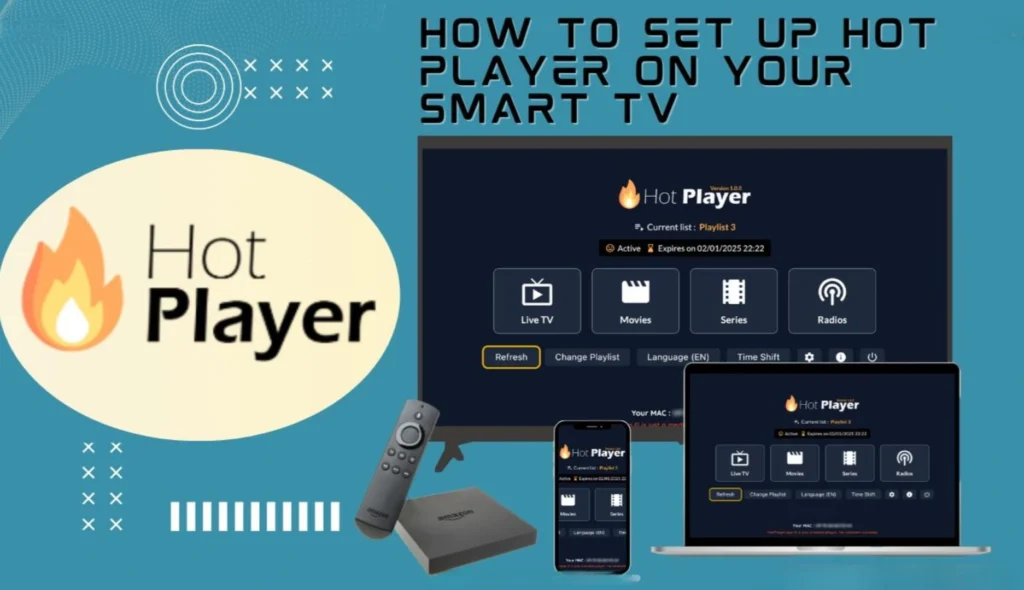
One of the best advantages of Hot Player is that it works on many devices.
You can install the application on:
- Samsung Smart TV
- LG Smart TV
- Android TV
- Firestick
- Android phones and tablets
- Apple devices
- Some Smart TV platforms and streaming boxes
This flexibility allows users to watch IPTV from almost any device at home.
How to Install Hot Player Pro IPTV
Installing Hot Player is very simple. Follow these steps depending on your device.
On Smart TV (Samsung or LG)
- Open the App Store on your Smart TV.
- Search for Hot Player.
- Install the application.
- Open the app after installation.
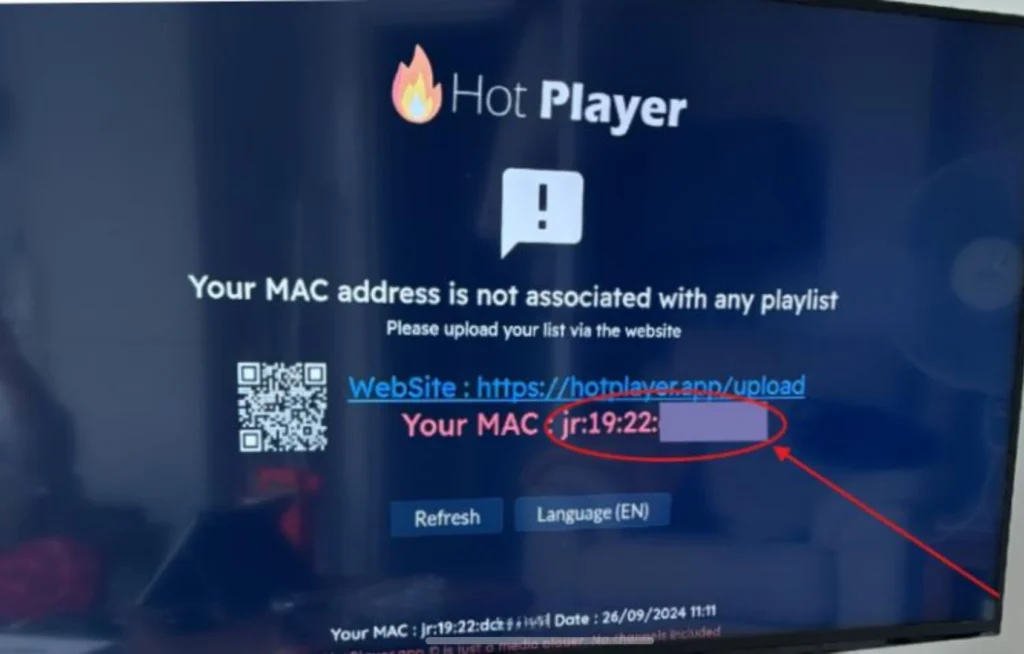
Once the app is opened, you will usually see a Device ID or MAC address which is required to activate IPTV.
On Android TV or Firestick
Hot Player Pro is also available on the Google Play Store for Android devices, allowing users to easily download and install the application on Android TV or mobile devices.
https://play.google.com/store/search?q=hot%20player%20iptv&c=apps
- Open Google Play Store.
- Search for Hot Player Pro.
- Click Install.
- Launch the application after installation.
The setup process is similar to Smart TVs.
How to Activate IPTV on Hot Player
After installing the application, you need to connect your IPTV subscription.
Here is the typical activation process.
Step 1: Open the App
Launch the Hot Player application on your device.
Step 2: Find Your Device ID
The app will display a unique Device ID or MAC Address.
Step 3: Send the ID to Your IPTV Provider
Send this Device ID to your IPTV provider so they can activate your subscription.
Step 4: Wait for Activation
Once the provider activates the playlist, restart the application.
Step 5: Start Watching
Your IPTV channels, movies, and series should now appear inside the application.
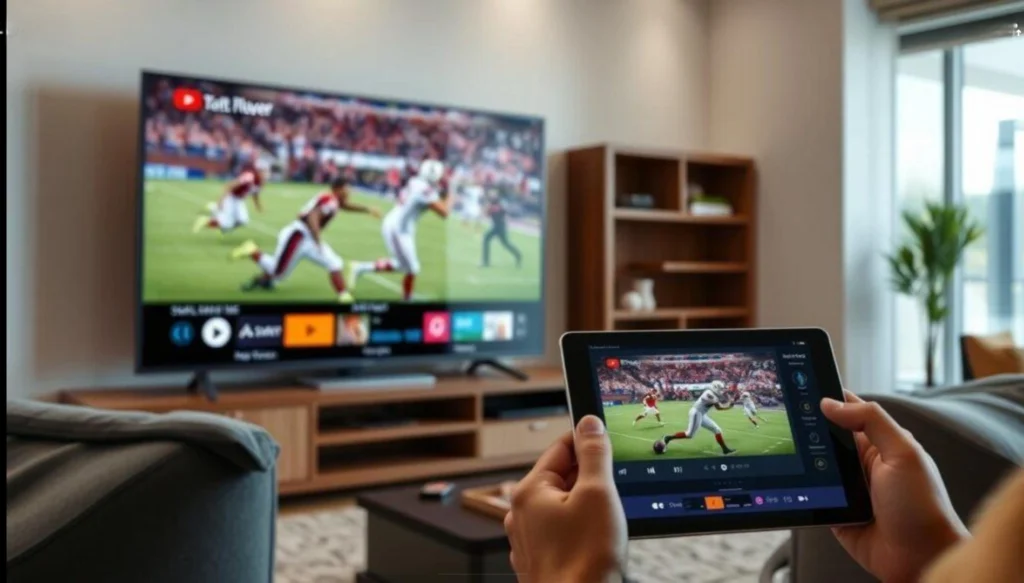
Internet Requirements for Smooth Streaming
To enjoy IPTV smoothly with Hot Player, it is recommended to have a stable internet connection.
Recommended speeds:
- 10 Mbps for HD channels
- 20 Mbps or more for Full HD
- 30 Mbps+ for 4K streaming
To enjoy smooth IPTV streaming with Hot Player, it is recommended to check your internet speed before watching live TV or sports channels.
check your internet speed Here .
Using an Ethernet cable instead of Wi-Fi can also improve streaming stability.
Hot Player vs Other IPTV Players
Hot Player is often compared with other IPTV players such as:
- IBO Player
- IPTV Smarters
- TiviMate
- Smart IPTV
You can also read our guide about IBO Player Pro IPTV setup.
https://keeniptv.com/ibo-player-pro-guide
Each player has its advantages, but Hot Player stands out because of its simple interface and easy playlist integration.
Many IPTV users prefer it because it is lightweight, easy to configure, and compatible with many devices.
Final Thoughts
Hot Player Pro is a powerful IPTV player designed for users who want a simple and efficient way to watch IPTV channels, movies, and series on their devices.
Although the app does not provide any content by itself, it becomes extremely powerful when connected to a reliable IPTV subscription.
With support for M3U playlists, multi-device compatibility, favorites lists, and a user-friendly interface, Hot Player is a great option for IPTV users in Europe and around the world.
If you want a smooth IPTV experience on Smart TV, Android TV, or Firestick, Hot Player Pro is definitely worth trying.