
TiviMate IPTV Player Setup Guide (2026) – Best IPTV App for Android TV in Netherlands & Belgium
Best TiviMate IPTV Player Setup Guide (2026) – Android TV & Firestick
Introduction
In recent years, IPTV has become extremely popular in countries like the Netherlands and Belgium. Many users are replacing traditional cable TV with IPTV services because they offer more flexibility, better prices, and access to international channels.
However, to enjoy IPTV smoothly, you need a reliable IPTV player. One of the most powerful and widely used applications today is TiviMate IPTV Player.
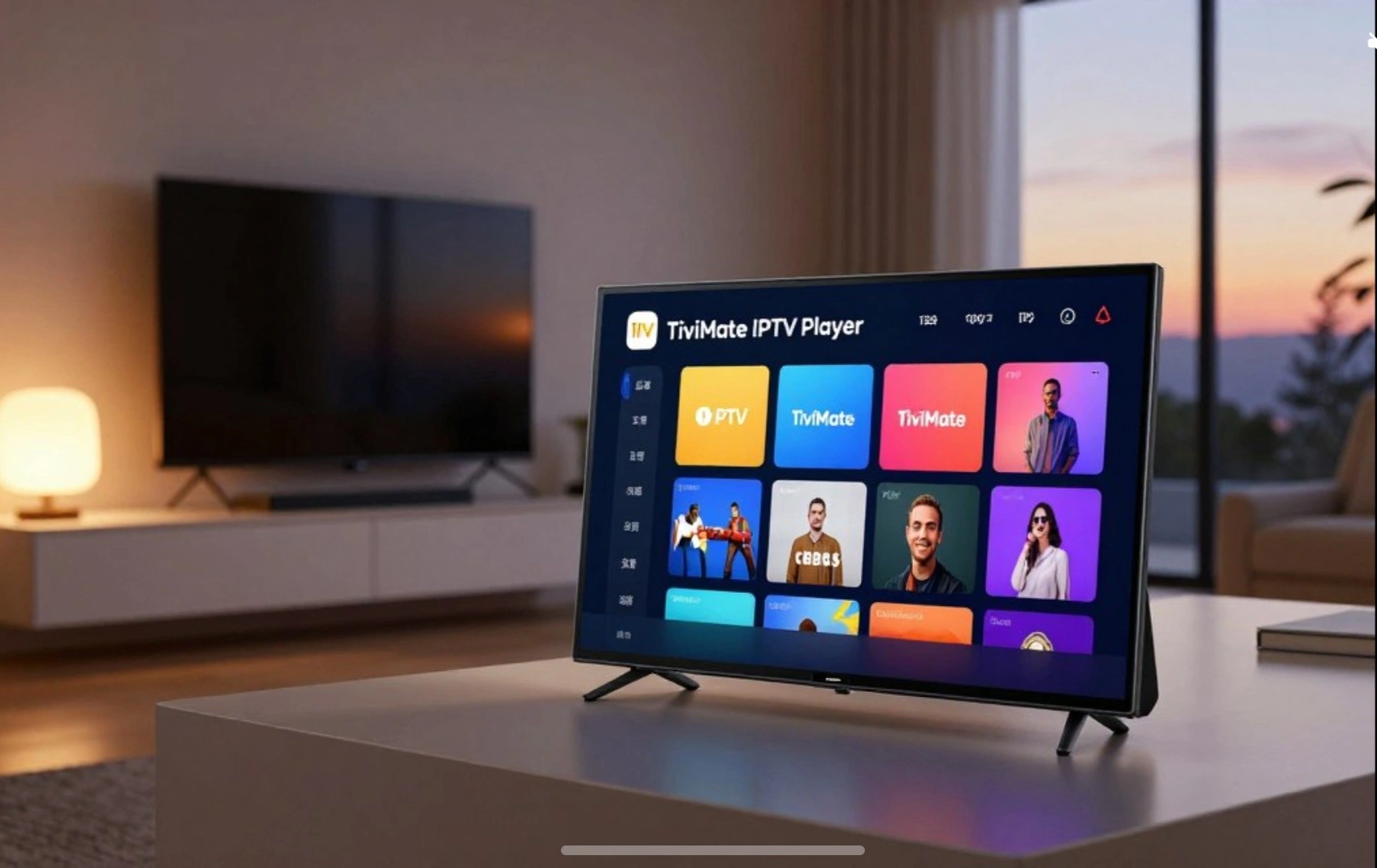
TiviMate is designed specifically for large screens such as Android TV, TV boxes, and Firestick devices. It provides a professional interface similar to traditional cable television, making IPTV easier and more enjoyable to use.
In this guide, we will explain what TiviMate IPTV is, how it works, its main features, and why it has become one of the best IPTV players in 2026.
What is TiviMate IPTV Player?
TiviMate is a professional IPTV player designed mainly for Android TV devices and streaming boxes. The application allows users to watch live TV channels, movies, and series using playlists provided by an IPTV service.
It is important to understand that TiviMate does not provide channels by itself. Instead, it works with IPTV subscriptions that supply playlist links such as M3U playlists or Xtream Codes login details.
Once you add your IPTV playlist, the application organizes your channels in a modern interface with a TV guide, categories, favorites, and many advanced features.
Because of its performance and customization options, TiviMate has become one of the favorite IPTV apps among advanced users and IPTV resellers.
Key Features of TiviMate IPTV
One of the reasons why TiviMate is so popular is its powerful set of features designed for IPTV streaming.
Modern TV Interface
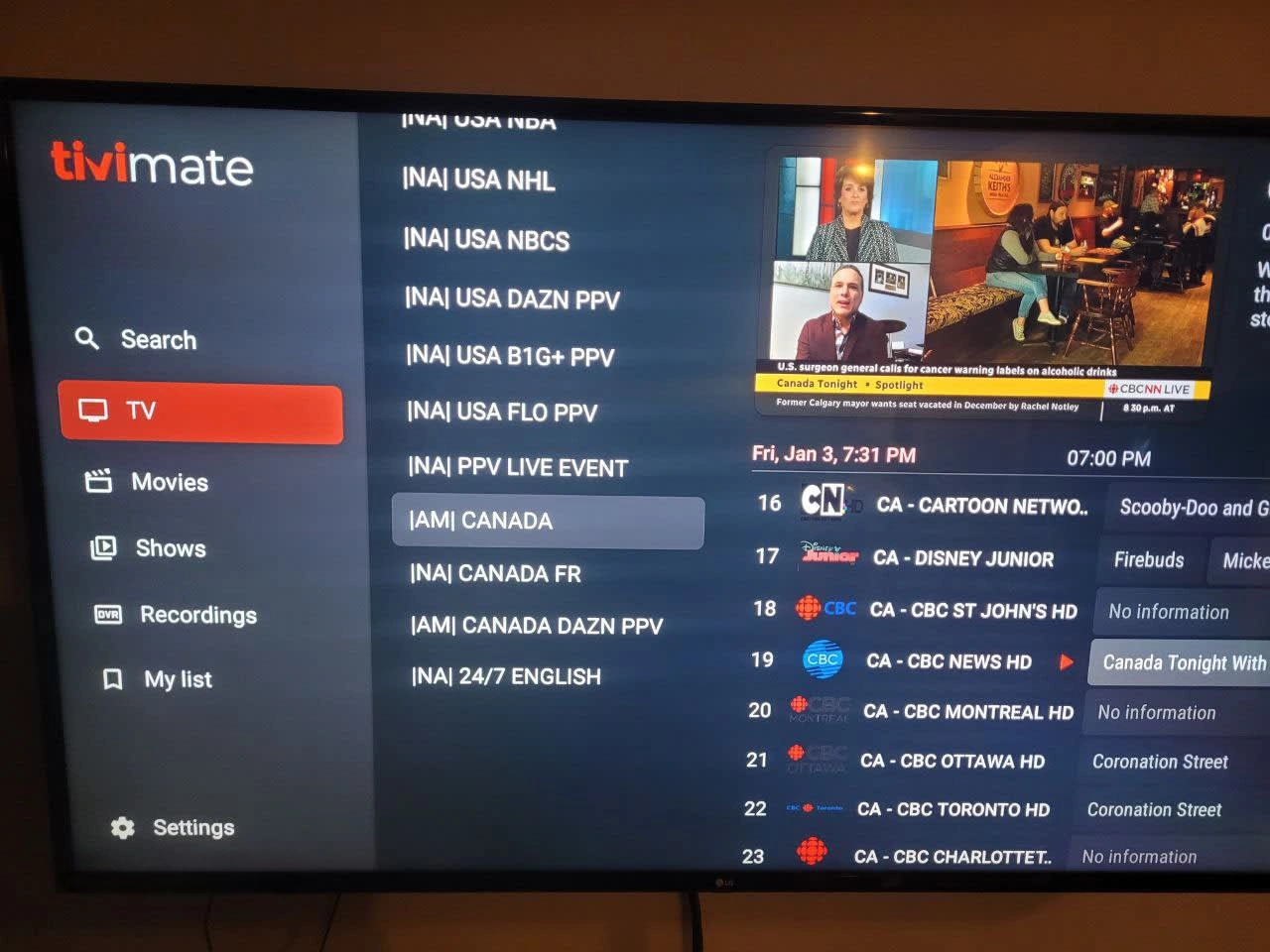
TiviMate provides a modern interface designed for big screens. The navigation feels similar to traditional cable TV with a clean layout and smooth channel switching.
Electronic Program Guide (EPG)
The app supports a full TV guide (EPG) that shows program schedules for every channel. This makes it easy to browse what is currently playing and what will air next.
Multiple Playlists Support
TiviMate allows users to add multiple IPTV playlists. This means you can combine several IPTV subscriptions in a single application.
Catch-Up TV
Some IPTV providers offer catch-up functionality. With TiviMate you can watch programs that aired earlier if your provider supports it.
Favorites Channels
Users can create a favorites list to quickly access their most watched channels.
Multi-Screen View
One of the advanced features of TiviMate is multi-view, which allows watching multiple channels at the same time. This is especially useful for sports events.
Recording Feature
Premium users can record live TV programs and watch them later.
Supported Devices
TiviMate works best on Android-based devices designed for TV viewing.
Supported devices include:
- Android TV Smart TVs
- Android TV Boxes
- Amazon Fire TV Stick
- Nvidia Shield
- Chromecast with Google TV
The application is optimized for remote control navigation and large screen viewing rather than smartphones or tablets.
You can download the official TiviMate IPTV Player from the Google Play Store.
https://play.google.com/store/apps/details?id=ar.tvplayer.tv
How to Setup TiviMate IPTV
Setting up TiviMate is very simple. Follow these steps:
Step 1 – Install the Application
Download TiviMate IPTV Player from the Google Play Store on your Android TV device.
Step 2 – Open the App
After installation, launch the application on your device.
Step 3 – Add IPTV Playlist
Select Add Playlist and choose one of the following options:
- M3U Playlist
- Xtream Codes Login
- Stalker Portal
Enter the details provided by your IPTV provider.
Step 4 – Load Channels
Once the playlist is added, the app will automatically load:
- Live TV channels
- Movies
- TV series
- Electronic program guide
You can now start watching IPTV content.
TiviMate Free vs Premium Version
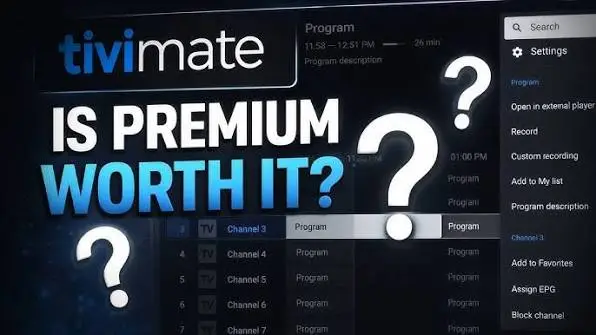
TiviMate offers both free and premium versions.
Free Version
The free version allows basic IPTV playback with limited features.
Premium Version
The premium version unlocks advanced features such as:
- Multiple playlist support
- Recording live TV
- Catch-up TV
- Multi-screen viewing
- Advanced customization
For users who watch IPTV regularly, the premium version is usually recommended.
Why TiviMate is Popular in Netherlands and Belgium
IPTV users in the Netherlands and Belgium prefer TiviMate because it offers a stable and professional viewing experience.
Main reasons include:
- Smooth streaming performance
- Easy channel organization
- Fast navigation
- Support for large IPTV playlists
- Clean interface similar to traditional TV
Because of these advantages, many IPTV providers recommend TiviMate to their customers.
Tips for Best IPTV Experience with TiviMate
To get the best experience with TiviMate, follow these tips:
Use a stable internet connection with at least 25 Mbps speed.
Always update your IPTV playlist and EPG regularly.
Use a reliable IPTV provider for stable channels and high-quality streams.
Configure favorites channels for faster access.
Conclusion
TiviMate IPTV Player has become one of the best IPTV applications available for Android TV devices. Its modern interface, powerful features, and smooth performance make it a top choice for IPTV users in 2026.
When combined with a reliable IPTV subscription, TiviMate provides a professional TV experience with live channels, movies, and series in high quality.
If you are looking for a powerful IPTV player for Android TV or Firestick, TiviMate is definitely one of the best options available today.
● If you are looking for other IPTV applications, you can also read our guide about the best IPTV apps for Smart TV in Netherlands.
https://keeniptv.com/best-iptv-apps-for-smart-tv-in-netherlands/
● You can also check our complete guide for IPTV in Netherlands.
https://keeniptv.com/iptv-kopen-nederland-2026/
If you are looking for the best IPTV experience in Netherlands or Belgium, combining TiviMate IPTV Player with a reliable IPTV subscription can provide a smooth and high quality streaming experience.
FAQ – TiviMate IPTV
Is TiviMate IPTV free?
Yes, TiviMate offers a free version, but the premium version unlocks additional features.
Does TiviMate provide TV channels?
No. TiviMate is only a player and does not include any TV channels. You need an IPTV subscription to watch content.
Which devices support TiviMate?
TiviMate works mainly on Android TV devices such as TV boxes, Firestick, and Smart TVs with Android TV.
Can I add multiple IPTV subscriptions?
Yes, the application allows adding multiple playlists.